

Create a Workspace
Create a workspace — an isolated environment with a copy of your production data — to develop and test transformation code safely.
An integral aspect of creating a transformation is the development of the script itself. In Keboola, you can use SQL, Python, or R by default. To simplify the process of writing these scripts, we offer workspaces — a secure development and analytical environment where you can interact with the data and develop your scripts with confidence. This page walks through creating one; Workspaces covers what they are and how they behave in full.
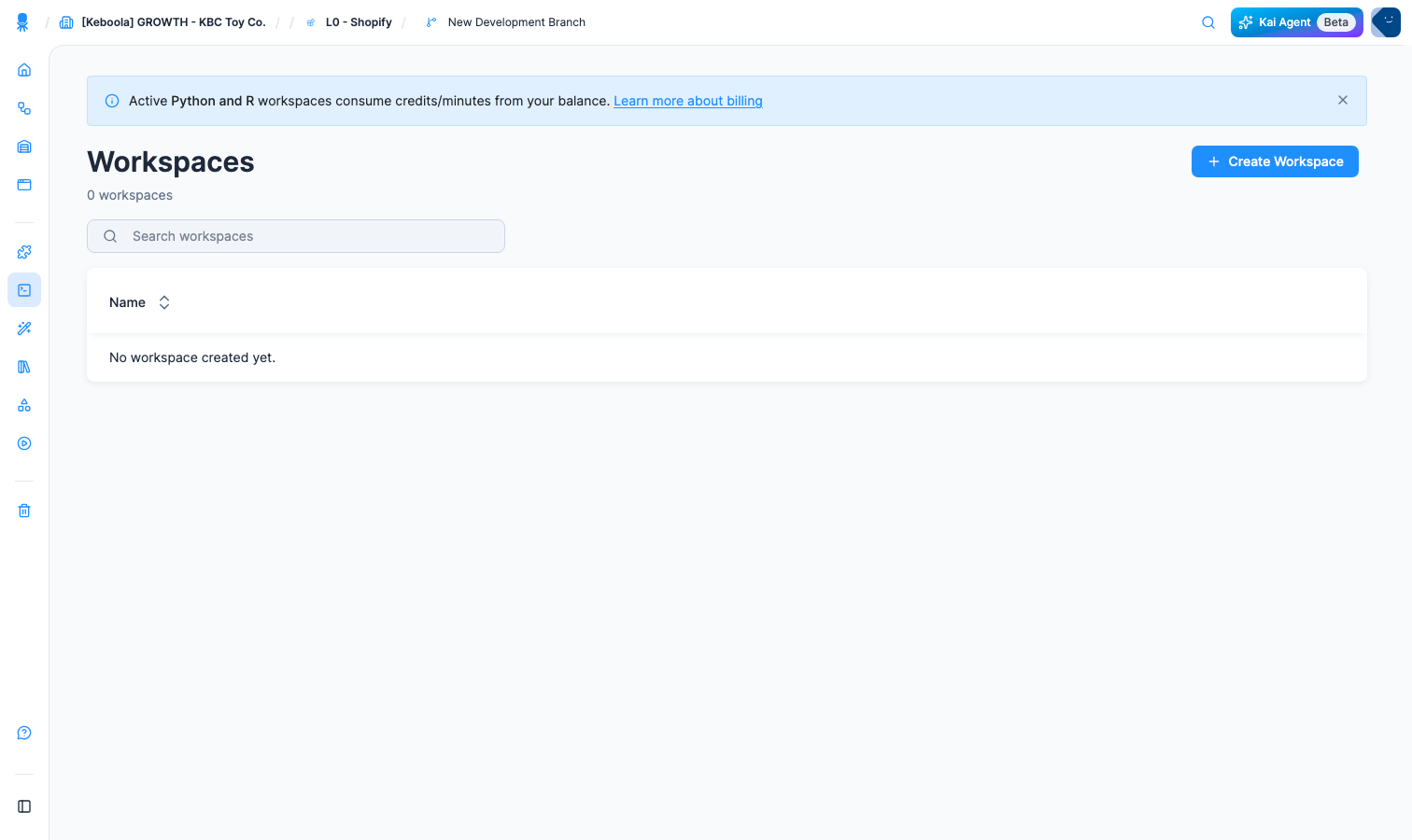
- Navigate to Workspaces and click the Create Workspace button.
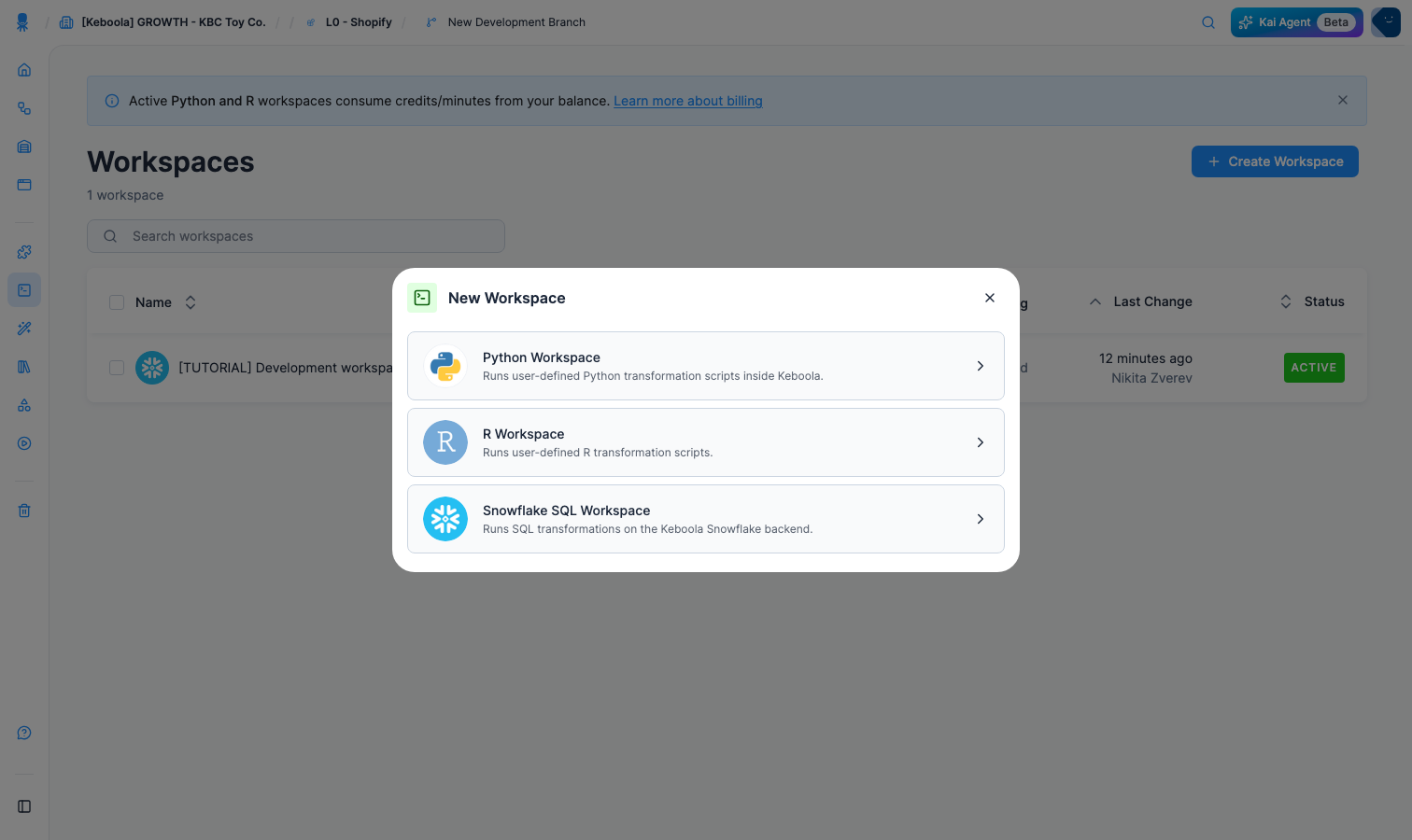
- Select Snowflake SQL Workspace (or other SQL workspace depending on your project’s backend)
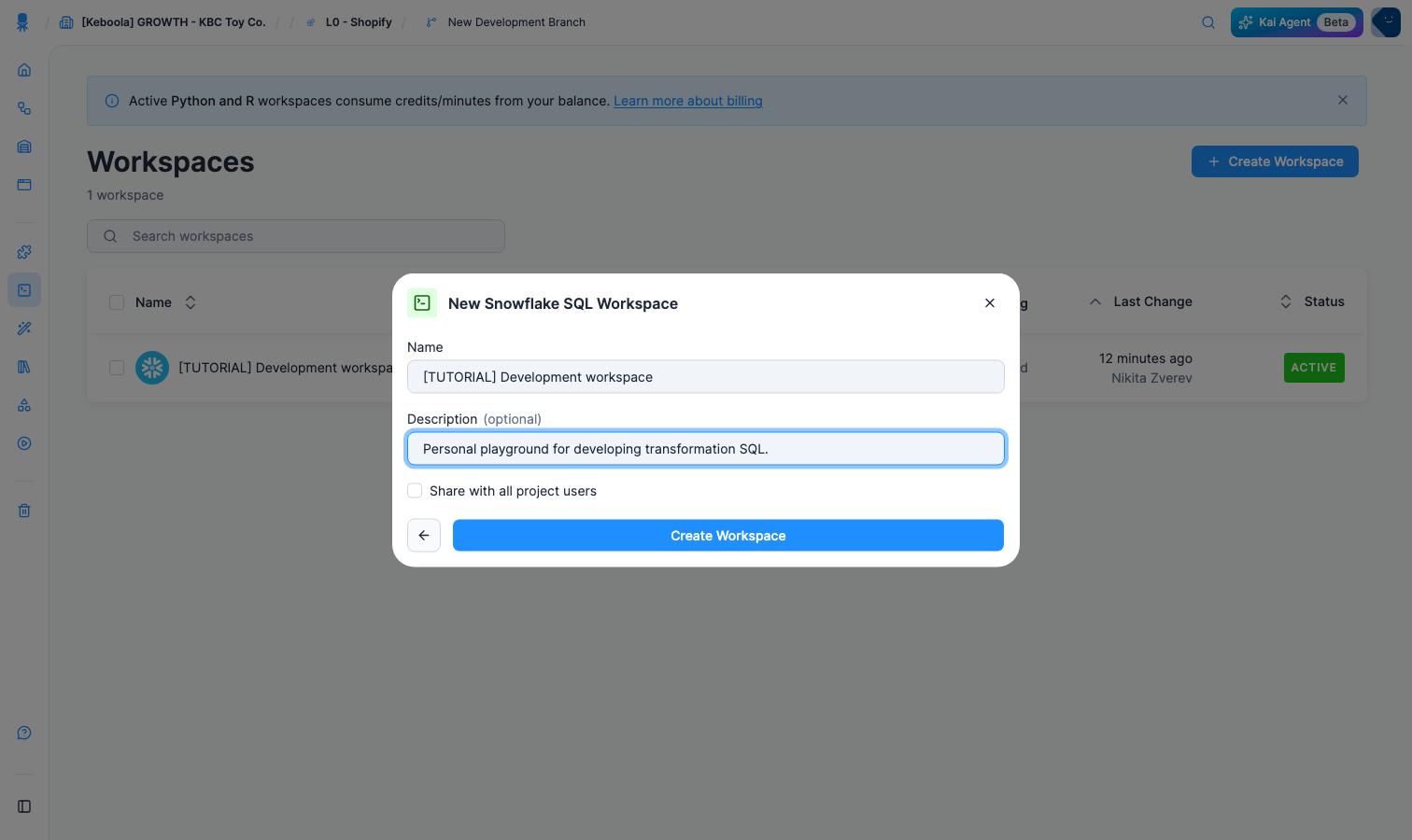
- Enter a Name and an optional Description. Share with all project users decides whether colleagues can open the workspace too — leave it off for a personal playground. Click Create Workspace.
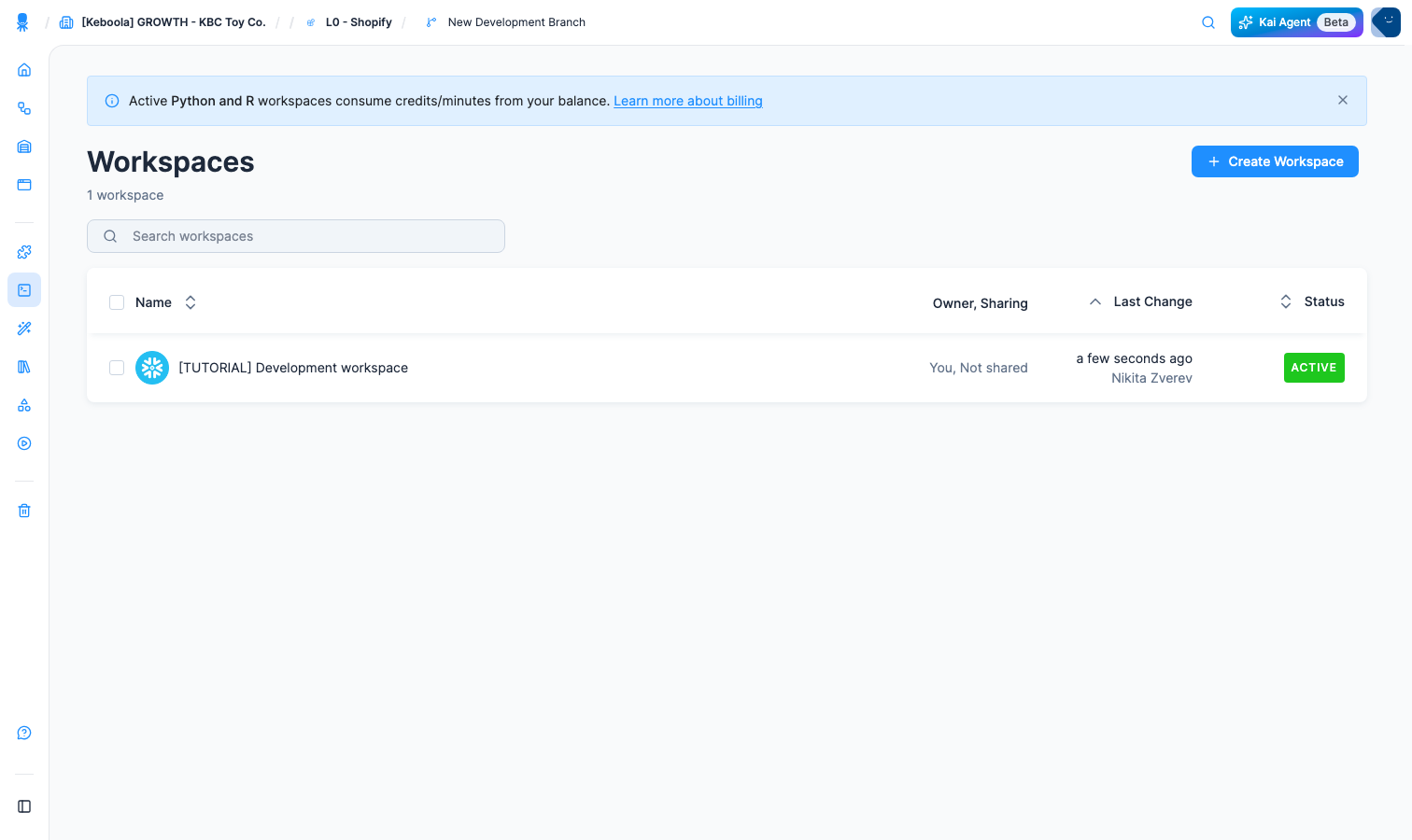
- A creation job runs, and the workspace appears in the list with an Active badge.
- Click the workspace name to open its detail.
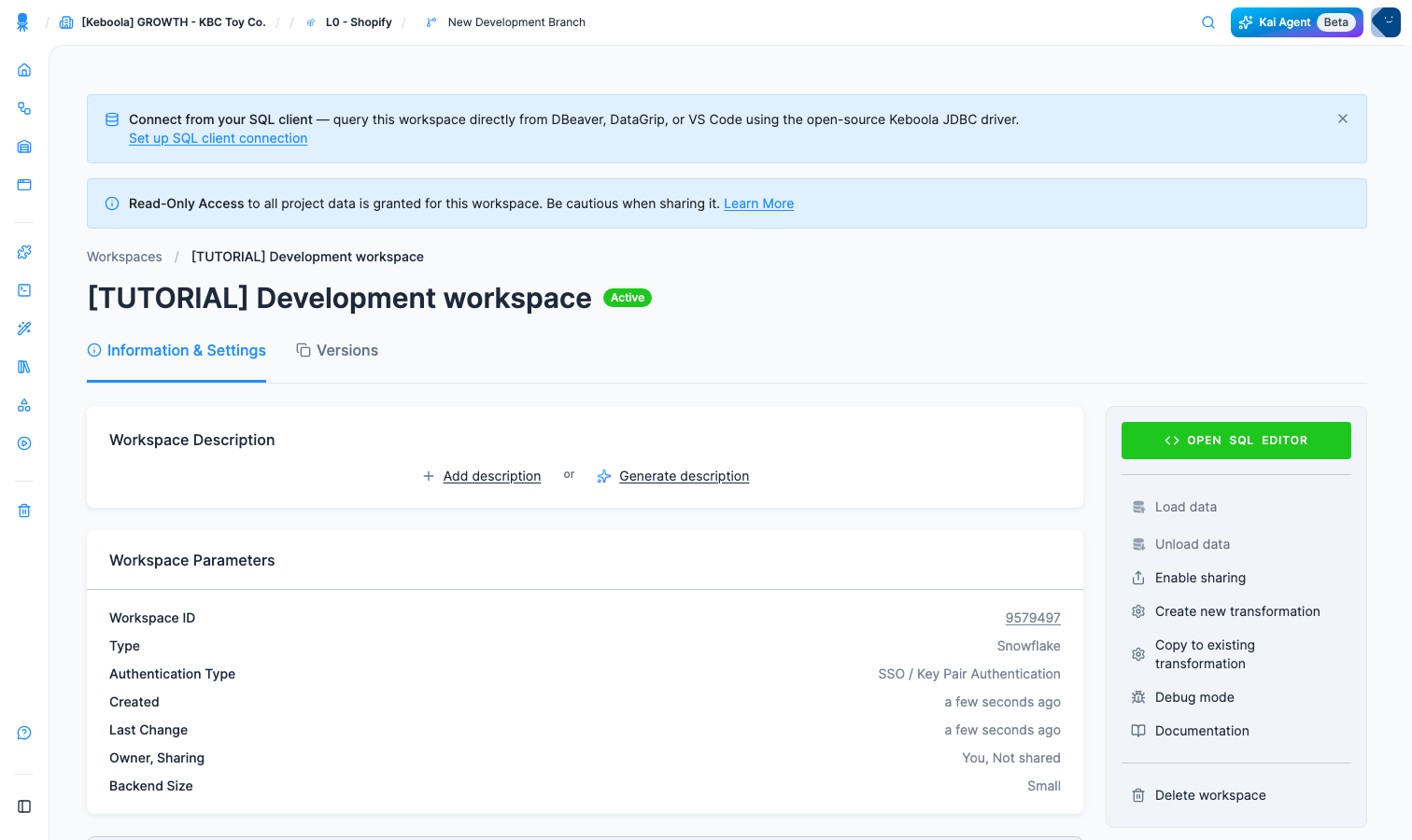
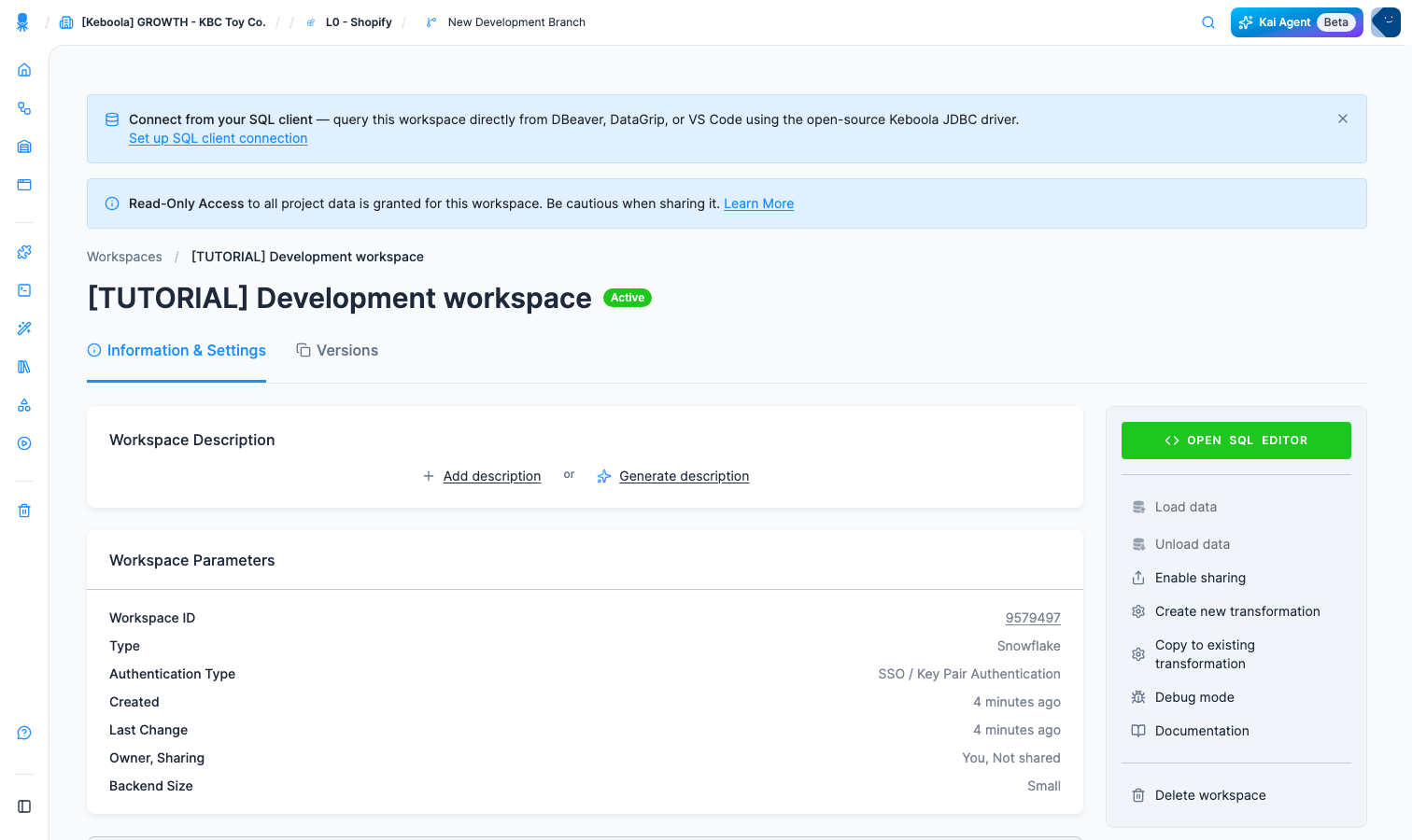
The banner at the top says Read-Only Access to all project data is granted for this workspace — you can query every table in Storage straight away, with nothing to load first. That is why Load data and Unload data in the right-hand menu are greyed out: they exist for the other way of working, where you clone selected tables into the workspace and refresh them yourself. Workspace Parameters records what you got — the backend, the backend size, and the authentication type.
- Click Open SQL Editor to query the data right in the browser. The editor lists every bucket under Storage Explorer, and the result appears below the code block.
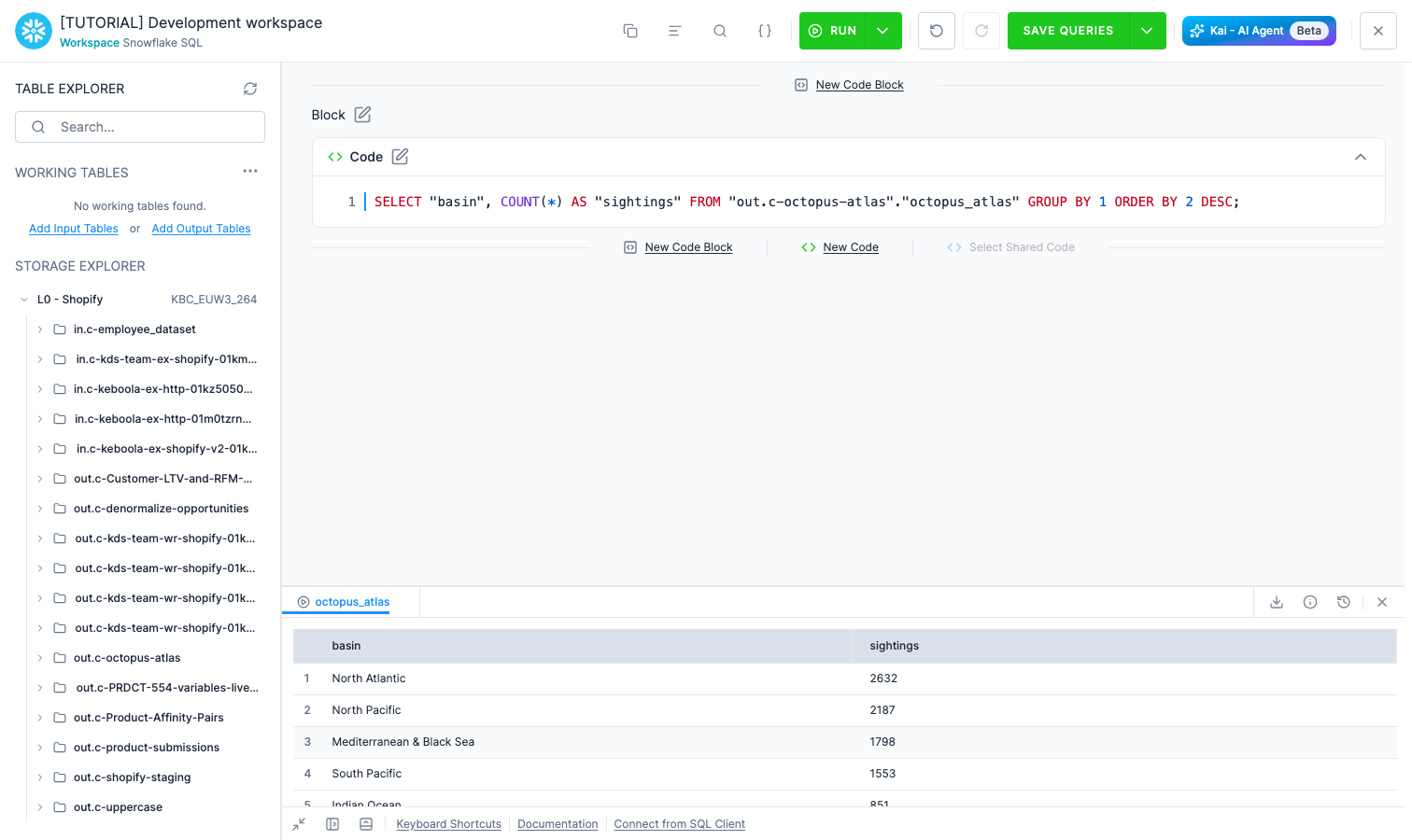
To use your own tools instead, follow Set up SQL client connection in the top banner — it hands you a JDBC URL for DBeaver, DataGrip or VS Code through the open-source Keboola JDBC driver.
After completing the development of your queries, you can then copy and paste them into a transformation configuration — which is exactly what Transform Data does by hand in the Getting Started arc.
Going further
Section titled “Going further”- Workspaces — lifecycle, loading and unloading data, read-only input mapping.
- SQL Editor — query Storage without creating a workspace at all.
- Keboola JDBC Driver — connect your own IDE to a workspace.